
OnWatch
Security patrol companion for the real world.
The Challenge
Independent security guards work alone, often at night, in environments where connectivity is unreliable and hands are occupied. Every event — a door left open, a broken light, a person in a restricted area — needs to be logged for the end-of-shift report. Currently that means stopping, pulling out a phone, typing notes, and hoping you remember the details later.
Patrol reports are the legal record of what happened. They need to be accurate, professional, and complete. But the conditions under which they're created — dark carparks, stairwells, basements — are about as far from a desk as you can get.
Our Approach
We built a pocket-sized patrol companion that works entirely on the device, with no server, no account, and no connectivity requirement. Guards start a shift, log events by voice — the phone transcribes speech to text — capture photos for evidence, and tap periodic patrol check-ins.
At end of shift, the app generates a professional summary — either AI-enhanced when connectivity exists, or structured raw when it doesn't. The entire thing runs from the browser, installs in one tap, and requires zero training.
The Platform
Visual Walkthrough
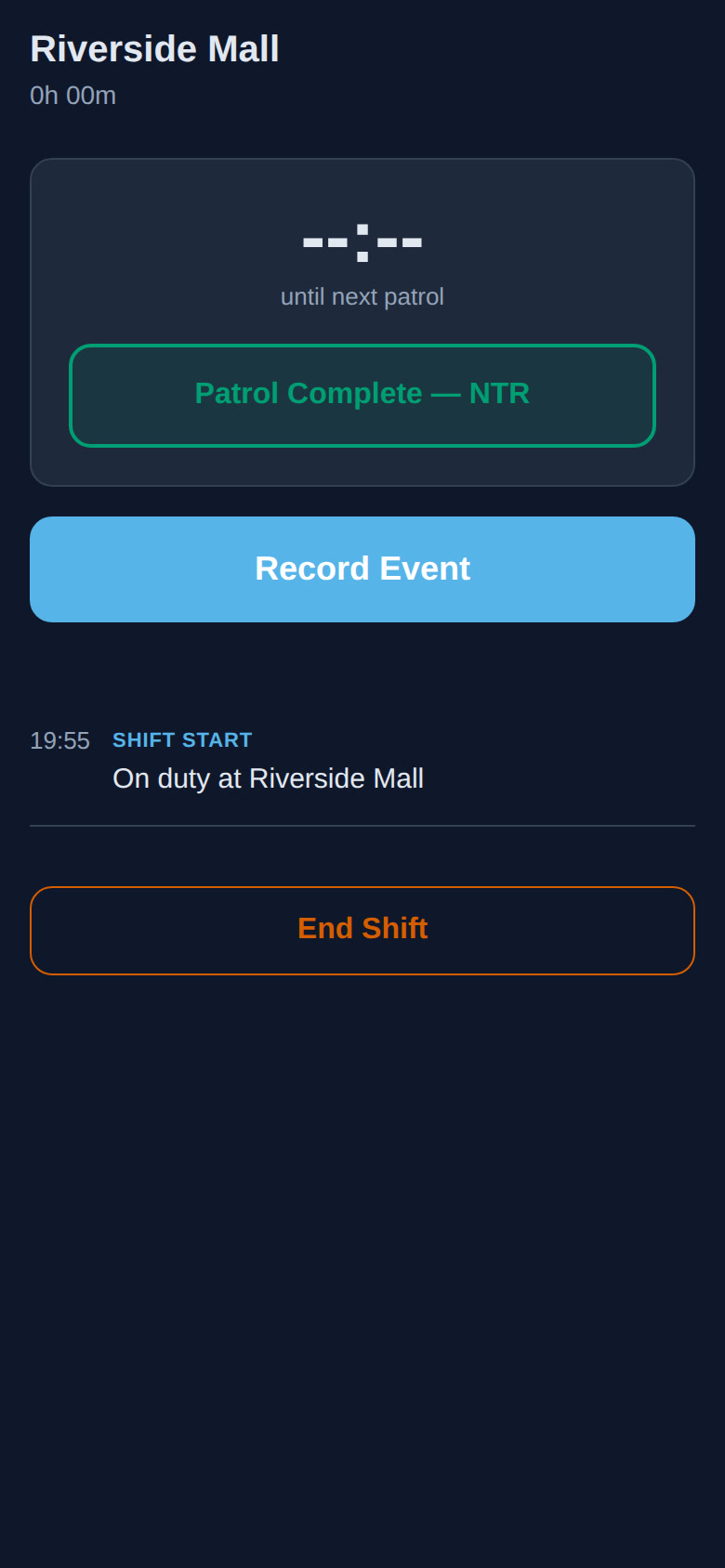
Patrol in Progress
The shift is live. A timer shows how long the guard has been on patrol. A countdown to the next hourly check-in flashes when it's due. Quick-access buttons for logging events, recording observations, and marking "Nothing To Report" patrol rounds. Everything is designed for one-handed use in low-light conditions.
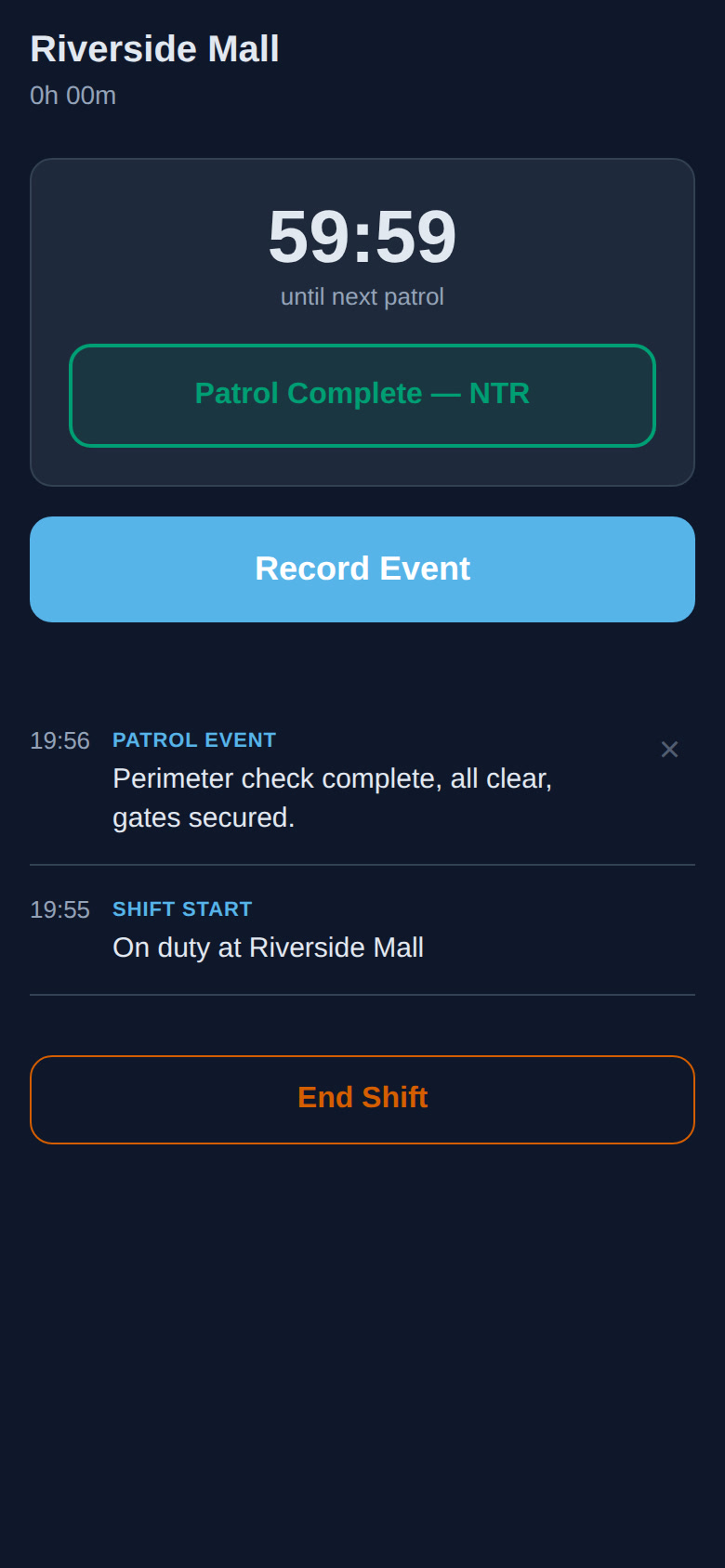
Event Logging
Spot something? Tap, speak, done. The phone transcribes voice to text — no typing needed. Attach a photo for evidence. The event is timestamped and added to the shift log instantly. Guards stay alert and mobile instead of stopped in a hallway typing notes.
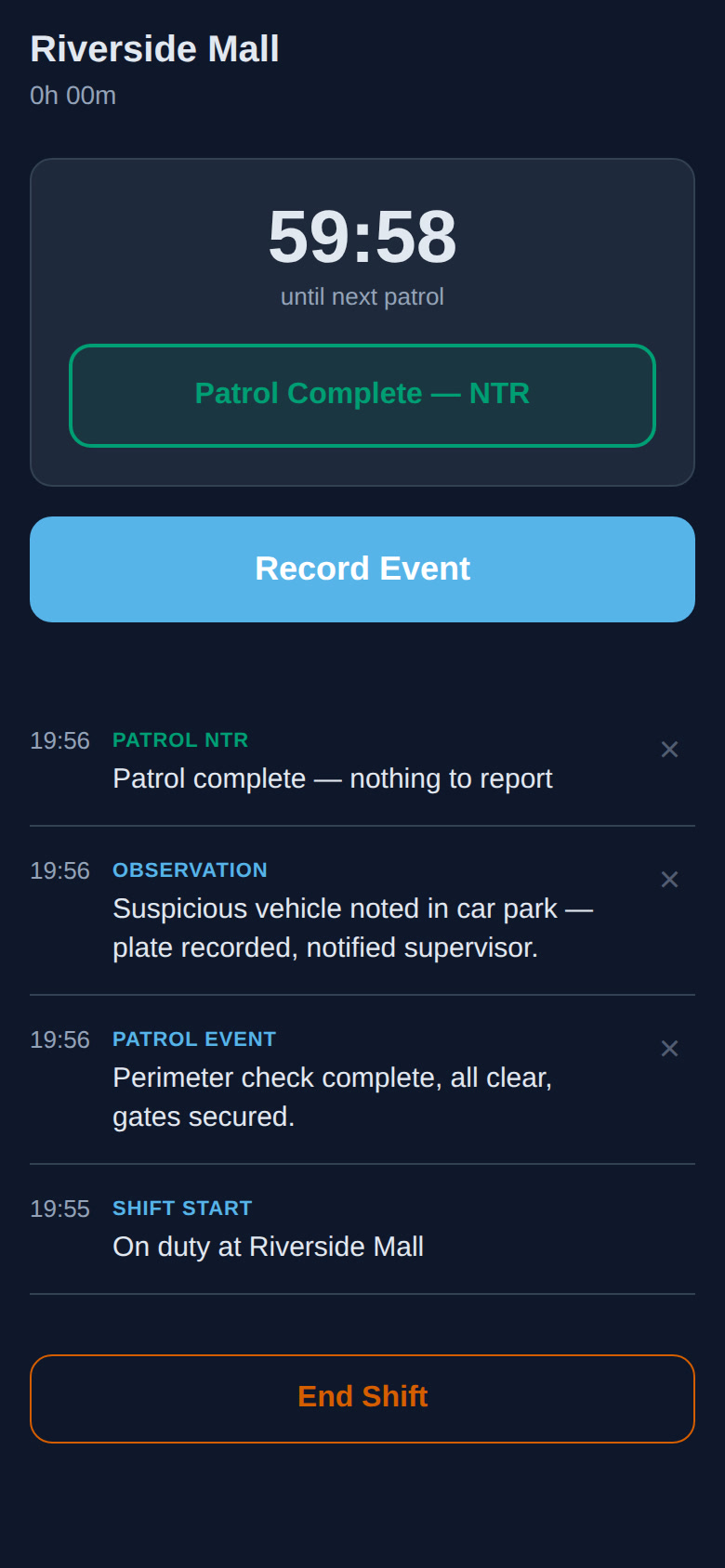
Patrol Check-Ins
Hourly "Nothing To Report" entries create a complete patrol record. The log shows exactly when the guard was active, how regularly they checked in, and whether any gaps need explanation. This is the chain of evidence that matters when something goes wrong.
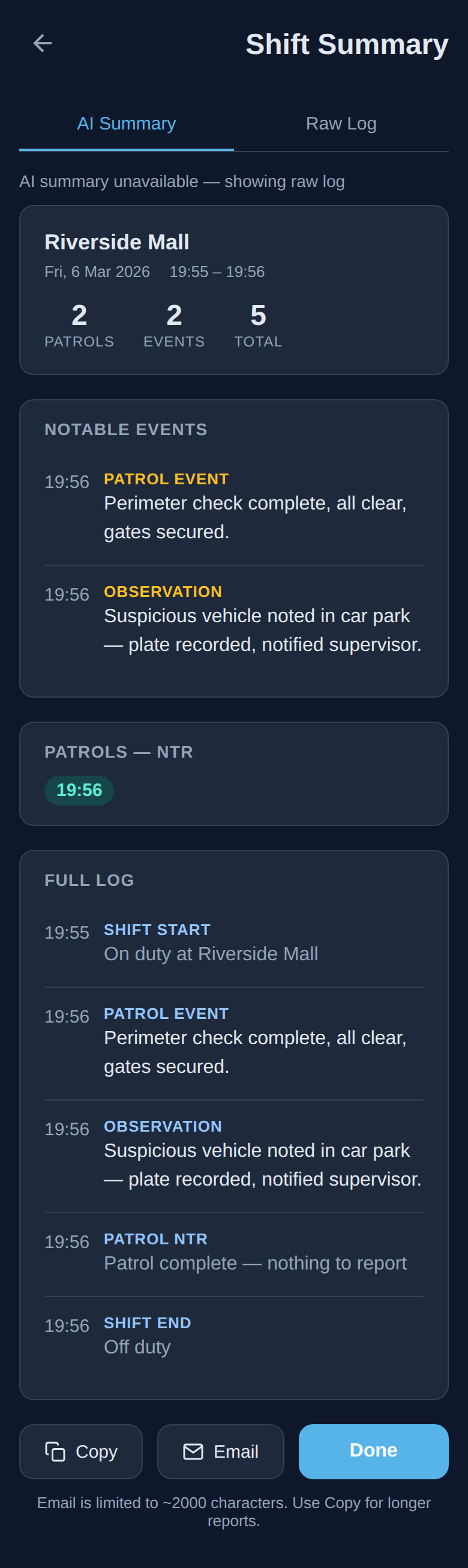
AI Shift Summary
End the shift and the app generates a professional summary. When online, AI enhances the report: cross-referencing events against previous shifts to flag recurring issues, structuring the narrative for clarity, and formatting it for logbook entry. When offline, a structured raw log ensures nothing is lost.
Shift History
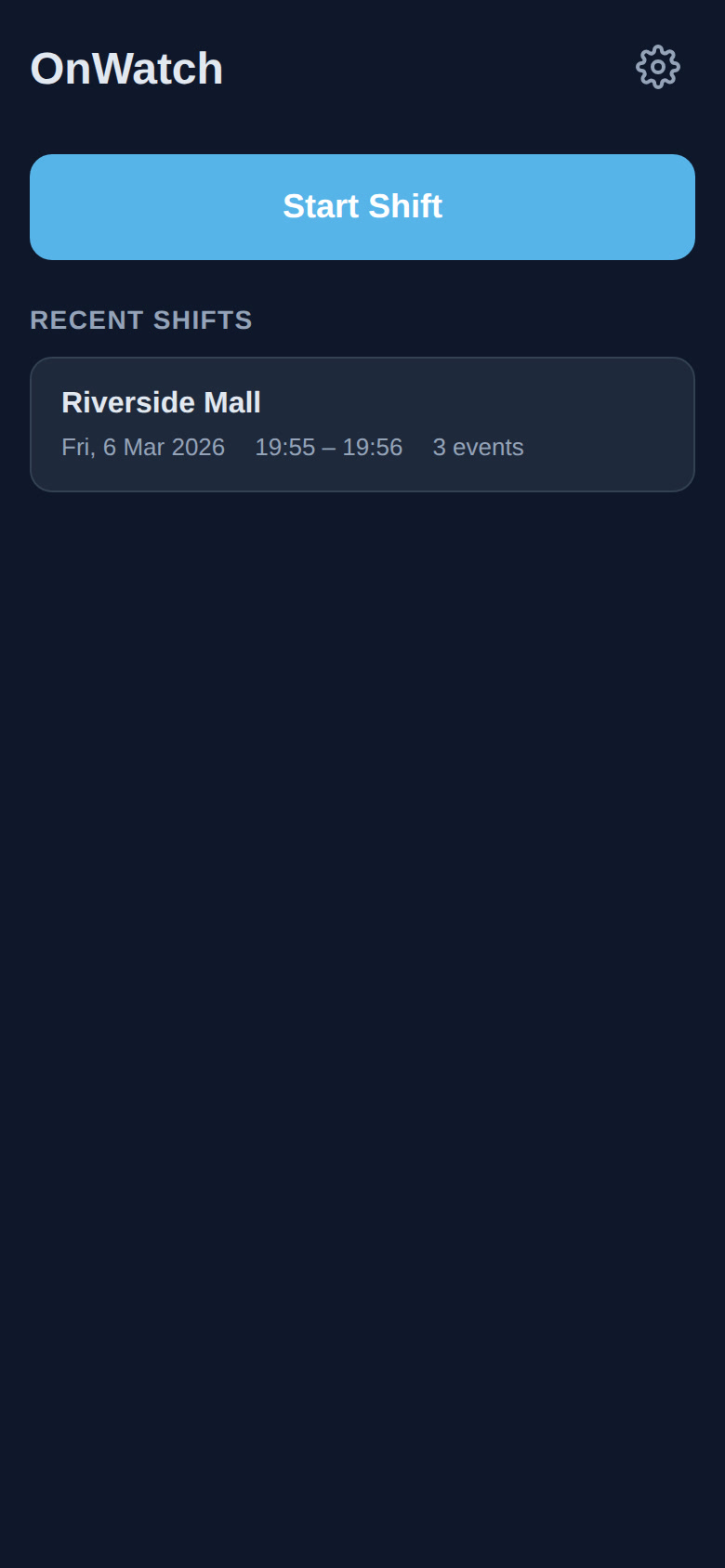
Every shift is stored locally on the device. Guards and their supervisors can review past patrols, compare event frequency across shifts, and export summaries. The history builds over time into a complete picture of site activity — patterns that would be invisible in individual paper reports.
What It Delivers
Key Capabilities
Voice-to-Text Event Logging
Hands-free recording in the field — speak the event, attach a photo, keep moving.
Fully Offline-Capable
Works in basements, stairwells, and signal-dead zones. No server, no account, no connectivity required.
AI-Enhanced Shift Summaries
Professional reports with recurring issue detection — or structured raw logs when offline.
Zero-Friction Deployment
Runs from the browser, installs in one tap, requires zero training. No app store, no IT department.
Complete Patrol Record
Timestamped events, regular check-ins, and photo evidence — the legal record, done right.
Start a Conversation
Have a problem worth solving?
Every project on this site started the same way — someone described an operational challenge, and we worked together to find the right solution. Yours might be next.
Get in Touch